Istok remembers things about your project so you do not repeat them every session. This page explains the two kinds of project memory and what an agent receives when it starts a task.
Two kinds of memory
| Context records | Knowledge items | |
|---|---|---|
| What | Short rules, constraints, decisions, notes | Longer documents: architecture, domain, runbooks, findings |
| Reaches a run | Selected records are copied in | Only titles and summaries; the agent reads the full item when needed |
| Changes | Edited in place, with revisions | Draft, review, promote, supersede |
Context is what an agent should know at the start (“Public API fields use snake_case”). Knowledge is reference material it finds when relevant (“How order fulfilment works”).
Task progress, blockers, and run history are neither: they stay with the task and are not copied into context.
Context records
Each record has a kind: note, decision, instruction, or constraint. It also has a delivery mode that decides how it reaches a run:
always— every run gets it. The default for instructions. Enabled instructions are ordered by priority, fromcriticaltolow.ranked— included when it matches the task’s title, description, acceptance criteria, and notes. The default for the other kinds.manual— never picked automatically; included only when a claim names it by ID.
Optional dates keep old records from lingering: past review after a record is flagged for review; past expires at, or once superseded by another, it is no longer picked.
What a run receives
When an agent claims a task, Istok assembles a context snapshot for that run:
always records + records named by ID + best-matching ranked records
        +
code retrieved for this task from the local index (kept fresh automatically)
        +
knowledge briefing: titles and summaries of current knowledge
        ↓
context snapshot  →  stored with the run
The snapshot is fixed: if a rule changes mid-run, that run keeps what it started with and the next run gets the new version. You can always see exactly what an agent was told.
Why it is bounded
If every run received all project memory, the agent’s context window would fill with unrelated material. So each snapshot has fixed budgets:
| Part | Budget |
|---|---|
| Saved context records | 16 KiB, 12 records |
| Code retrieval | 32 KiB |
| Total | 48 KiB |
| Knowledge briefing | 20 items, 4 KiB, counted separately |
One record may not exceed 12 KiB. More than 12 always records raise the record limit, up to 64; the byte budgets stay strict. always records go in first, so keep them short. If required records do not fit, the claim fails and names them rather than silently dropping your rules; see Troubleshooting.
Knowledge: pull, not push
A run gets only the knowledge briefing. When a title looks relevant, the agent searches the catalog (metadata and snippets only) and reads that one item in full.
Because agents treat knowledge as current truth, writing it and accepting it are separate steps:
draft  →  reviewed draft  →  current  →  superseded
review (with a note) promote replaced by a reviewed draft- Only drafts can be edited, and editing clears an earlier review.
- Only reviewed drafts can be promoted. Only current items appear in briefings.
- To change current knowledge, write a new draft, review it, and supersede the old item. The old one stays readable for history.
An agent can distill a draft from finished work with provenance: the tasks, runs, context records, knowledge items, or repository files it came from, so a reviewer can check it against its sources. Knowledge becomes a file only when you export it to a path you choose.
Seeing what the agent received
Open a run in the web UI and choose What the agent saw to see the snapshot with its budget usage.
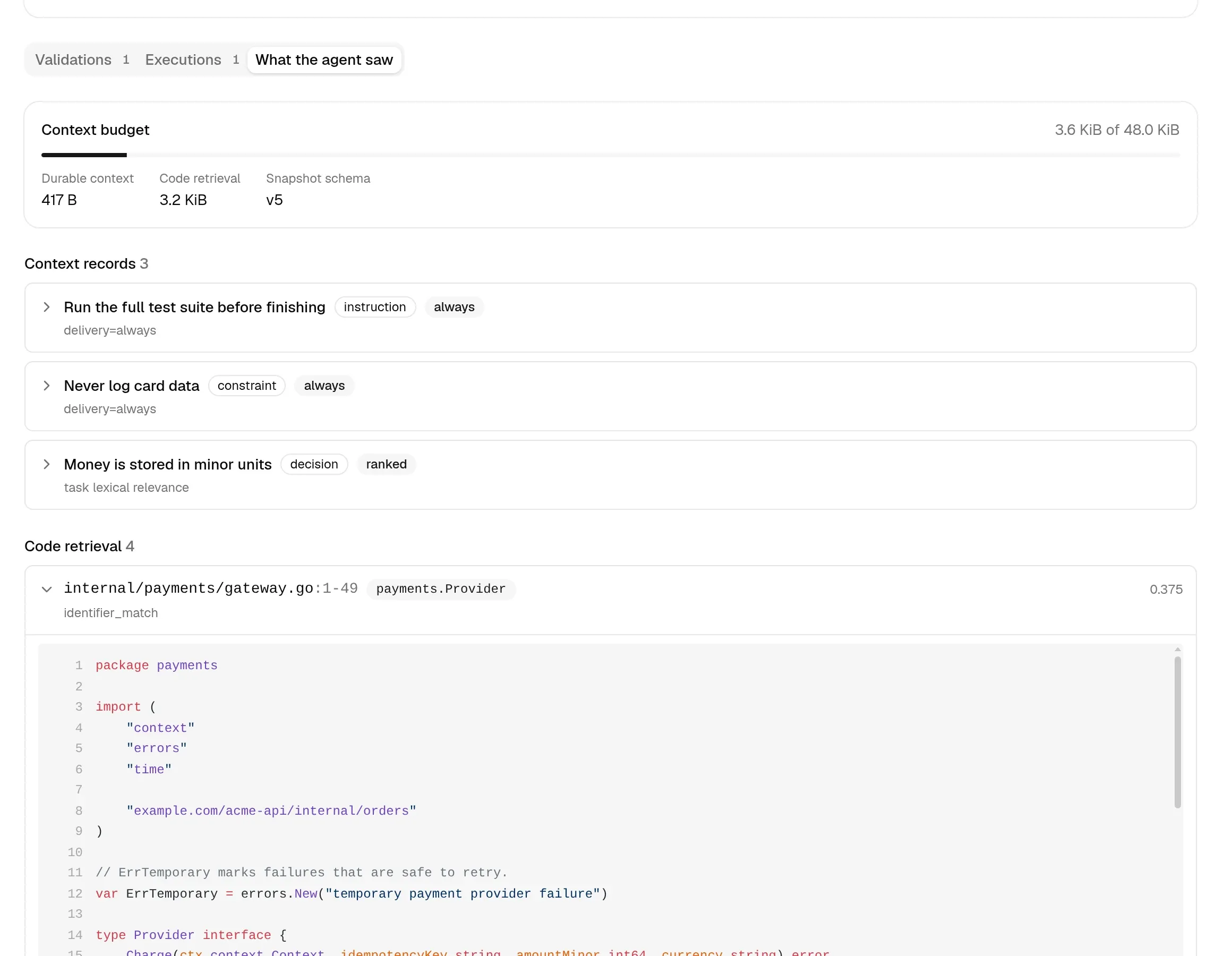
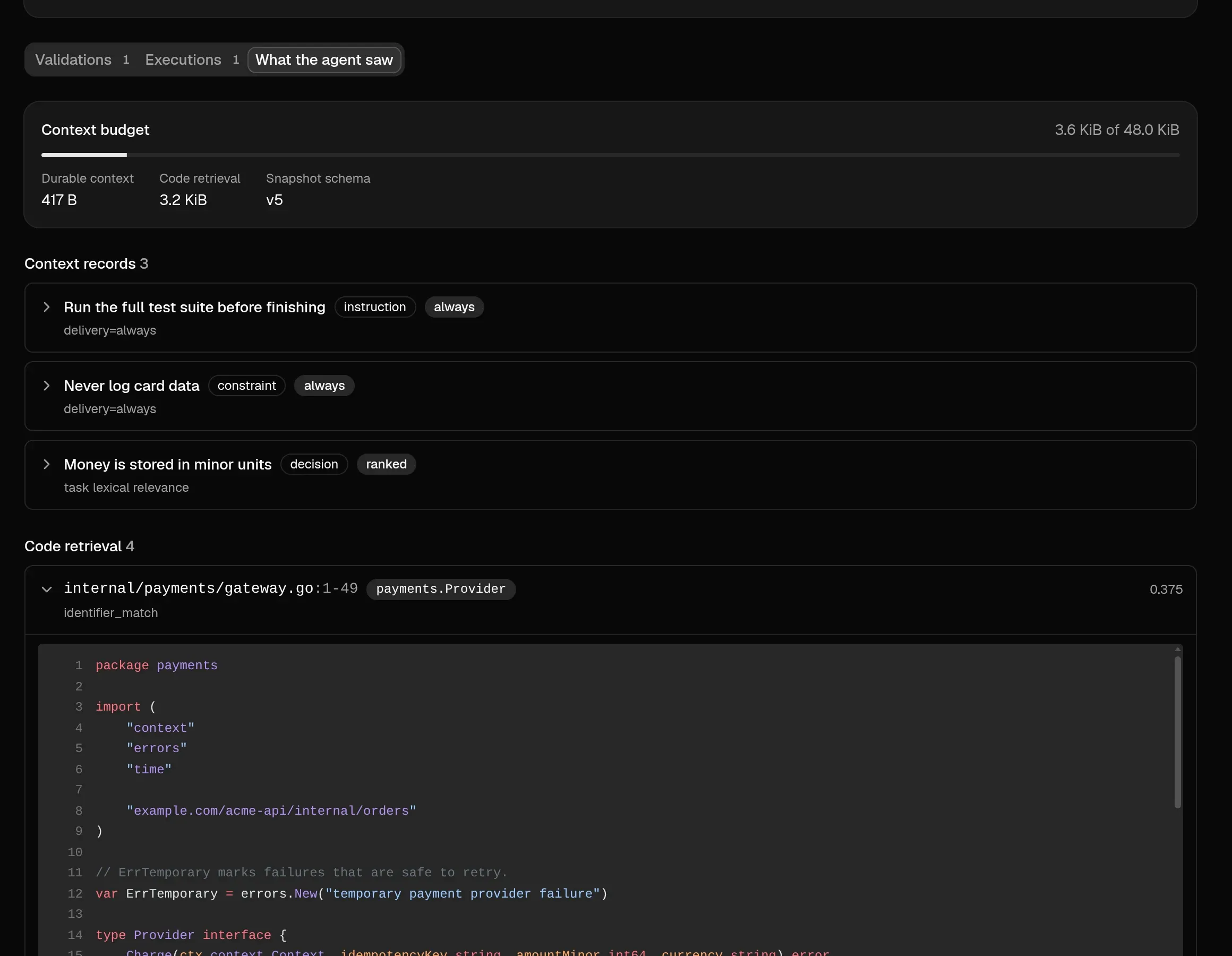
Before a run exists, istok context preview 12 shows what claiming task 12 would deliver; istok context doctor flags oversized, expired, and duplicate records. Saving rules and reviewing knowledge from your side is covered in Project rules and knowledge.