Istok is a local tool that keeps your coding agent’s work with your project instead of inside one conversation. This page explains the problem it solves and what you get.
The problem
You work with Claude Code, Codex or Cursor, and three things keep getting in the way:
- Sessions end. Close the chat or hit the context limit, and the plan, the decisions and the half-finished work go with it. The next session starts from zero.
- Work is invisible. You see the final message, not what the agent tried, which commands it ran or what it was told at the start.
- “Done” is a claim. The agent says the tests pass. Nothing shows that it ran them.
What Istok does
Your agent talks to Istok over MCP while it works. Istok records:
- tasks — what needs to be done, with acceptance criteria, progress and blockers;
- runs — each attempt at a task, which agent made it and what context it received;
- validations — the commands that checked the result, with their output;
- project rules and knowledge — conventions and documentation that the next session receives or can look up.
A new session, or a different agent, picks up from that record instead of from your memory. A task is marked done together with the validation that proves it.
You keep talking to your agent as before. You rarely type istok commands yourself.
What it looks like
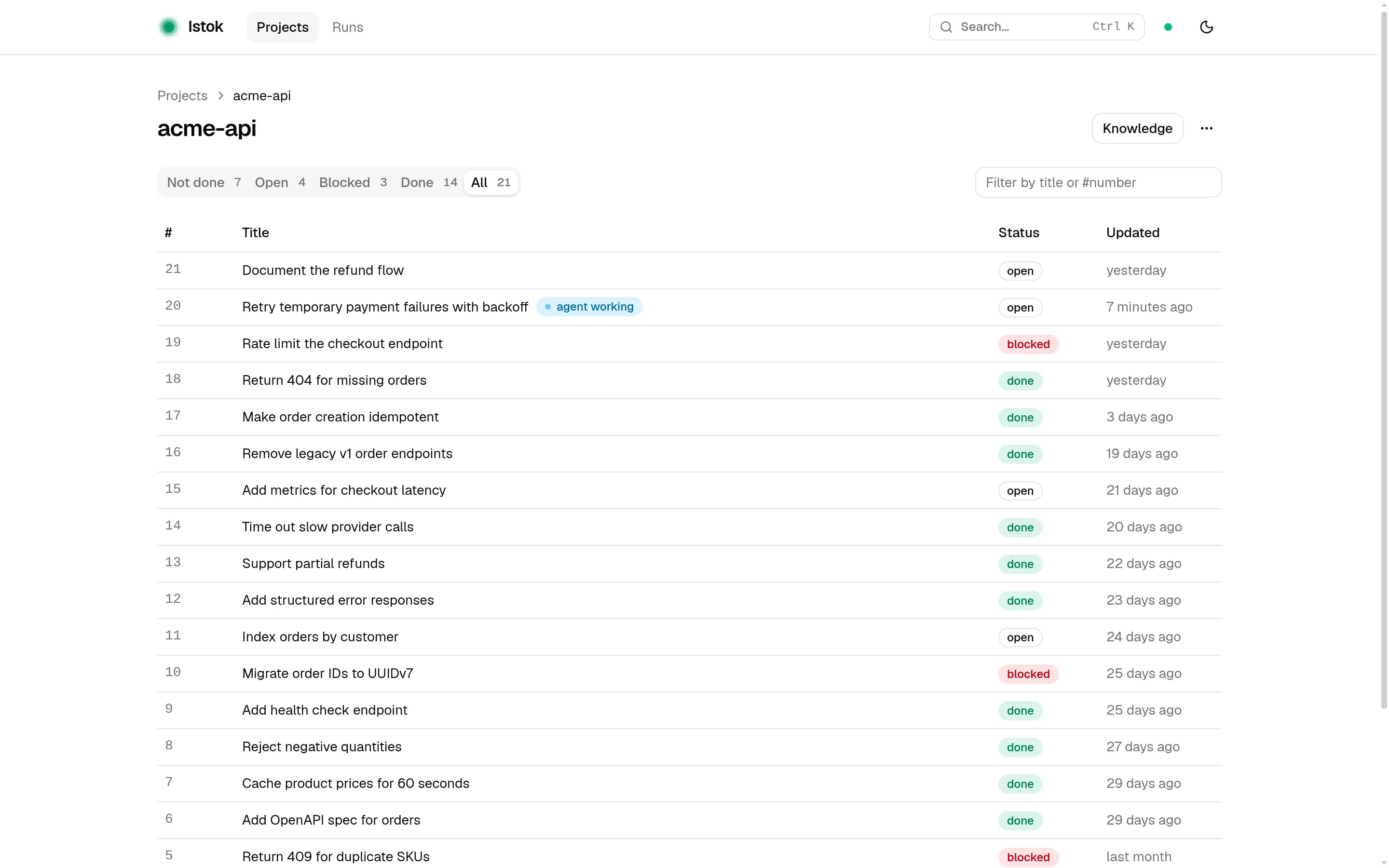
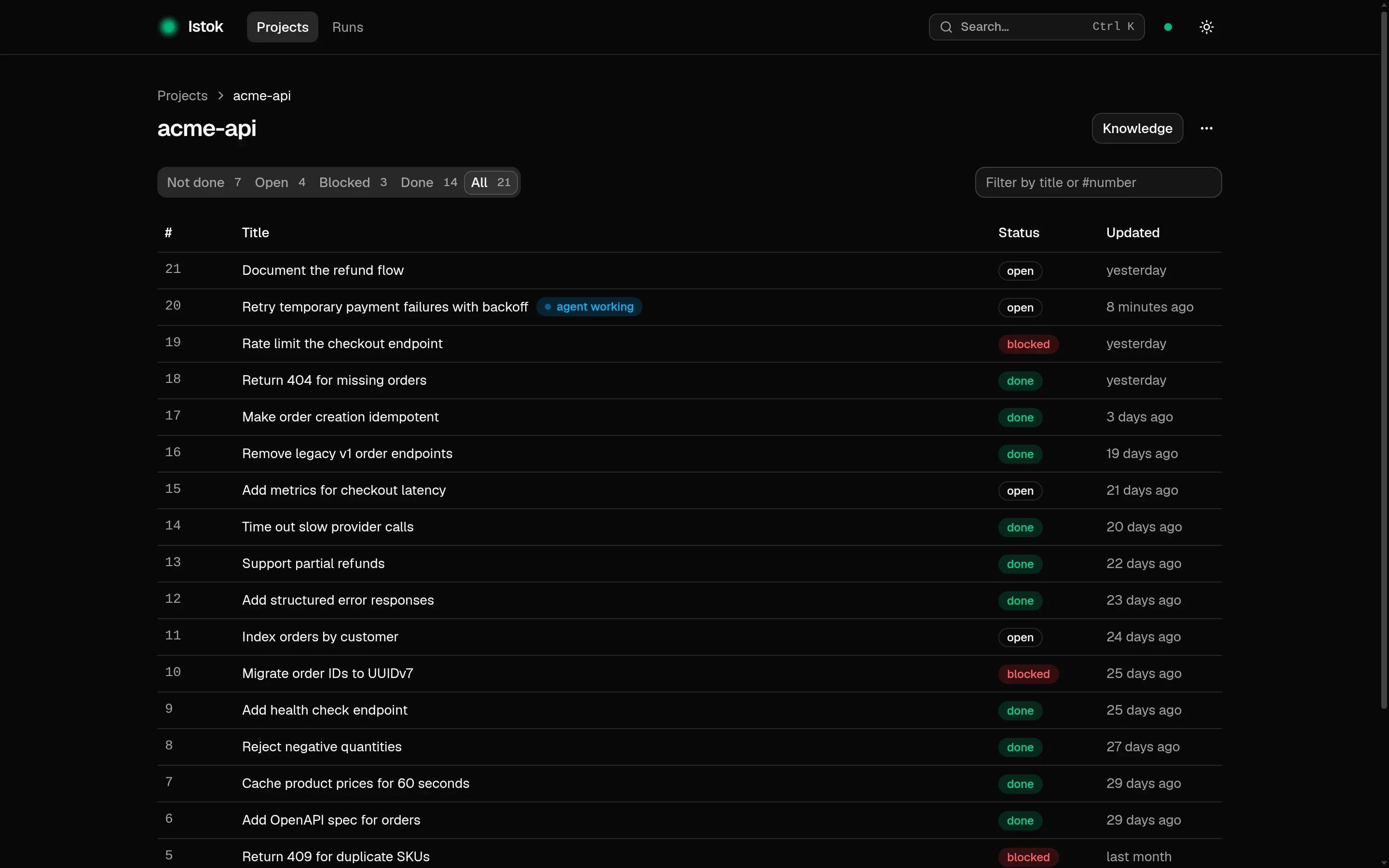
istok ui opens a local web page with every task, run and validation:
What Istok is not
- Not an issue tracker. It holds work that has already reached your agent, not your backlog.
- Not a cloud service. Everything lives in a SQLite database on your machine. There is no account, and nothing is sent anywhere.
- Not part of your repository. Istok writes no files into the project. Your docs and instruction files stay yours.
- Not an agent. It does not write code. It gives the agent you already use a durable memory and a place to put proof.
Next
Set it up in about five minutes with the Quick start.